Alpha · Build 4090
Play the alpha
Breach Protocol is playable and it is not finished. Both of those are true at once, and this page is about the second one as much as the first.
Download
One build per operating system. They are the same game and the same build number — take the one that matches the machine you will play on.
Windows
64-bit Windows 10 or 11
BreachProtocol-windows.zip
543 MB · build
4090 · no installer
SHA-256 of this file
938589b5a86dd8c0c14e1c147b2eb70b3e9105fdc7a81618718696e2da435f0c
Why Windows warns you about this file. The prompt is Microsoft Defender SmartScreen, and it appears because this build is not code-signed. It is not a virus warning and nothing was detected — SmartScreen shows it for any program whose publisher it cannot identify. To start the game, choose More info, then Run anyway.
If you would rather confirm the file first, check it against the SHA-256 above. The steps for that are in support.
Linux
64-bit Linux, x86-64
BreachProtocol-linux.zip
533 MB · build
4090 · no installer
SHA-256 of this file
21417d7c61622689b3e8a6be3431c288585be1e2026a3ac768c536b1bbe79cd4
If double-clicking does nothing at all, this is why. A program that arrives from a browser has no permission to run yet, and most desktops respond by doing nothing and saying nothing. Granting it once is all that is needed.
From your file manager: unzip the download, right-click
BreachProtocol.x86_64, open Properties → Permissions, and
tick Allow executing file as program — some desktops label the same box Is
executable. Then double-click the file.
From a terminal:
chmod +x BreachProtocol.x86_64
./BreachProtocol.x86_64
Extracting the archive can drop that permission depending on which tool unpacks it, so
the step may be needed even though the file was built to run. To check the download
itself, run sha256sum on it and compare with the SHA-256 above.
The SHA-256 on each card is the hash of the archive you download, and it is the one to check first. Every published build also ships a SHA256SUMS.txt beside it, listing both archives and the game executable inside each one — so you can check the file before you unpack it and the program afterwards. If a value does not match what you have, do not run the file — tell us, and take it from this page rather than from anywhere else.
No sign-up, no key, no account
The download above is the whole process. There is no sign-up form on this page, and that is a decision rather than something unfinished: nothing about handing you a build needs your email address, and a form that collected one and then sat on it would be worse than no form at all. There is no key to redeem, no account to make first, and no payment.
New builds are announced in the update notes. The community channel that will eventually carry them has not been created yet, so those notes and this page are the only places a build is published.
After you download
Step 1
Unzip it and run it
There is no installer. Unzip the file into a folder you can write to and start the game from there. Nothing has to be registered first.
Step 2
Let the updater do the rest
The game checks its own version at launch and offers you the current build when one is published. You only need this page once — after that the updates come to you.
Step 3
Report what breaks
Press X in the menu. The report tool attaches your build, platform, graphics
adapter, the map you were on and a screenshot. Steps to reproduce are worth more than
anything else you can send.
What is in the build
Playable now
- Sixteen maps across Multiplayer and Outbreak
- Nineteen operators, with signature gadgets and the operator lock
- Search & Destroy, Secure Area, Terrorist Hunt
- Competitive, Casual, Party and Custom playlists
- Outbreak: Survival, Grief and Turned
- Full progression to level 150, camos, emblems, calling cards and dog tags
- Online matchmaking, plus solo and bot matches
Not finished, and you will notice
- Half the maps are in the vault while they are rebuilt.
- Outbreak has no survivor roster yet — it uses the Multiplayer bodies.
- Audio is mid-rework. Some effects are still synthesised and sound like it.
- Connection can fail on strict networks. Matches are peer-to-peer; relayed matches are on the roadmap.
- Progress may be wiped if how it is stored has to change.
- The interface is being rebuilt, so parts of it will look inconsistent between builds.
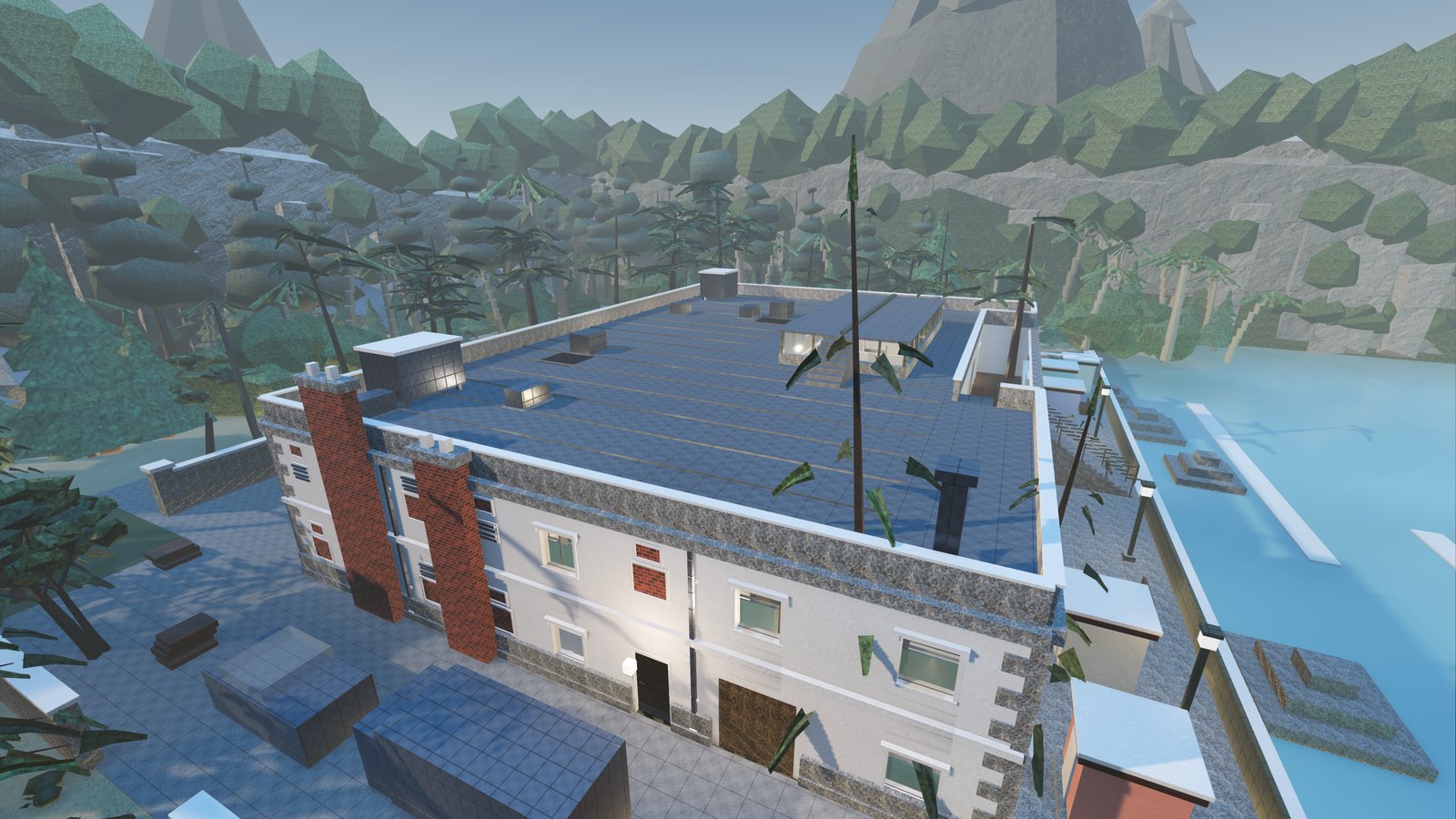
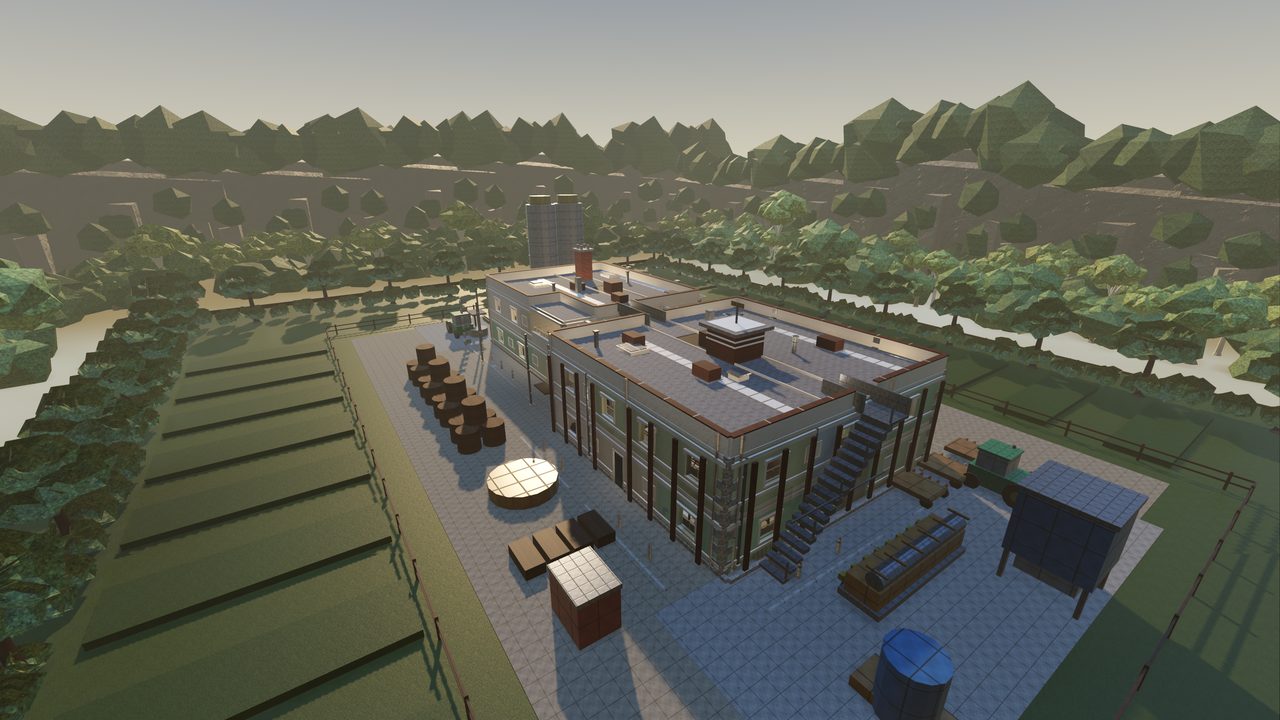
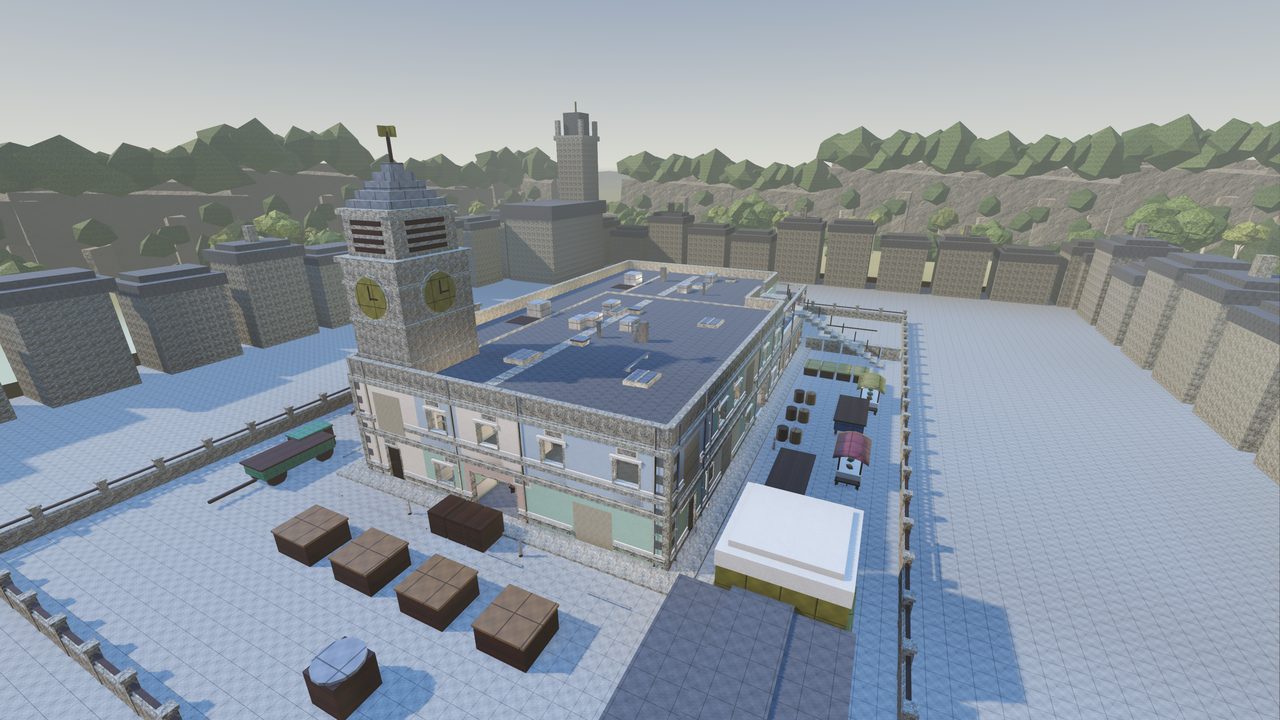
Three of the sixteen. Every frame on this site is captured in the engine at the game's own settings — this is what the build you are about to download looks like running.
Before you install
Platforms
Windows and Linux, 64-bit. No console or mobile build exists.
Graphics
A discrete GPU is strongly recommended. Settings has a quality tier that steps the renderer down for weaker adapters, and a built-in benchmark that tells you where you land.
Disk
The size of each file is printed on its download card above. Leave room for the unpacked build beside the archive you downloaded.
What a good playtest report looks like
- Where. The map, the floor, the room. "The cellar stairs on Dustwell" beats "the basement".
- What you did. The steps, in order, including the boring ones.
- What you expected, and what happened instead. These are different sentences and both are useful.
- A screenshot, if it is something you can see. The report tool takes one for you.
Geometry problems — a gap you can fall through, a prop floating, a wall you can see past — are especially worth sending. They are easy to miss from the inside and instant to fix once they are pointed at.
One safety note
Breach Protocol is free, and nothing about it is for sale by anybody. There are no alpha keys, no paid access, no account sales and no cosmetics to buy. If you are offered any of those, it is a scam and it is not connected to this project.
This page is the only place the game is published. A copy offered anywhere else is not one we put there, whatever it is called — check the SHA-256 above against what you have before you run it.